

1. Minimal Monochrome Resume-Style Board
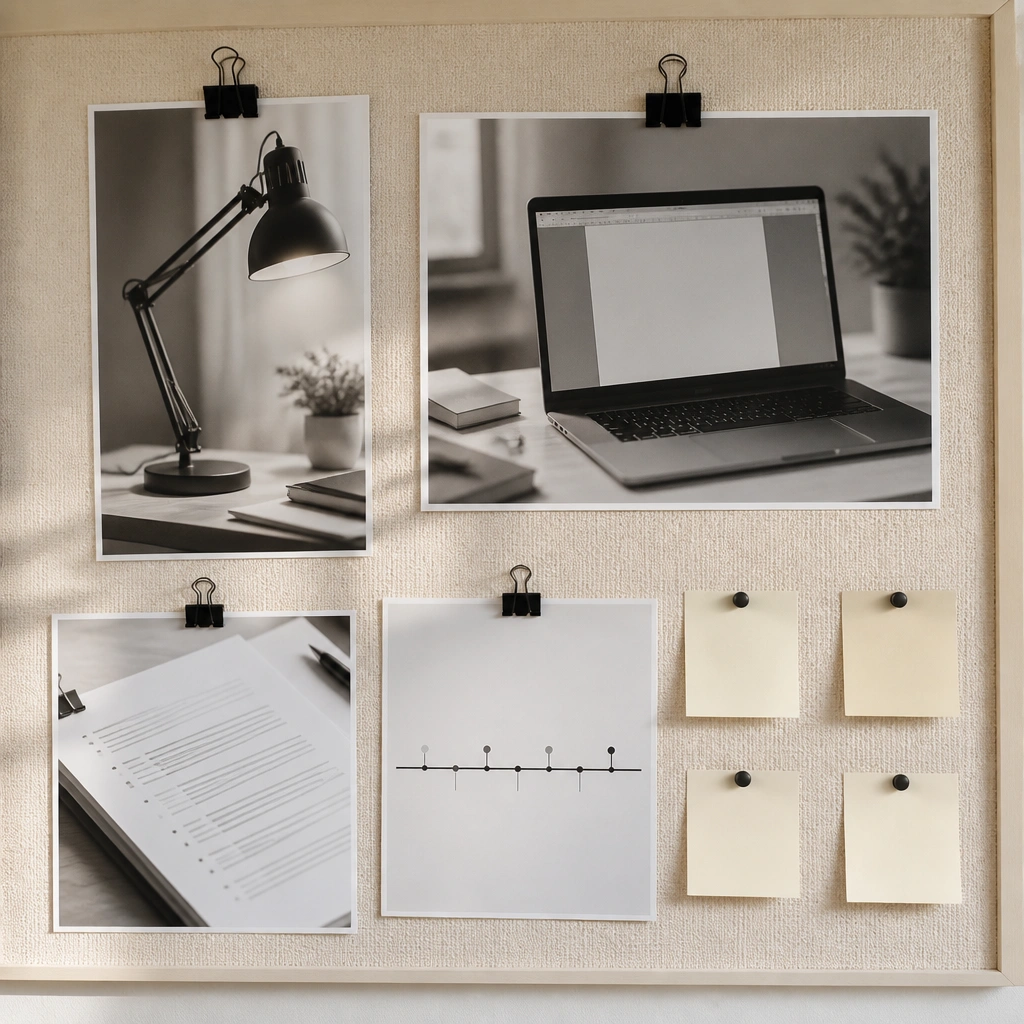
This look works because it mirrors how hiring managers scan — clean, readable, intentional. Use a limited palette (cream, black, and soft gray) so your brain stays focused on the images that represent your next role. Add one resume-style section with a printed “skills to practice” strip.
Print your photos in black-and-white and keep text blocks under 3 lines each for a crisp, resume-like effect.
2. Bold Editorial “Job Title Front Page” Layout
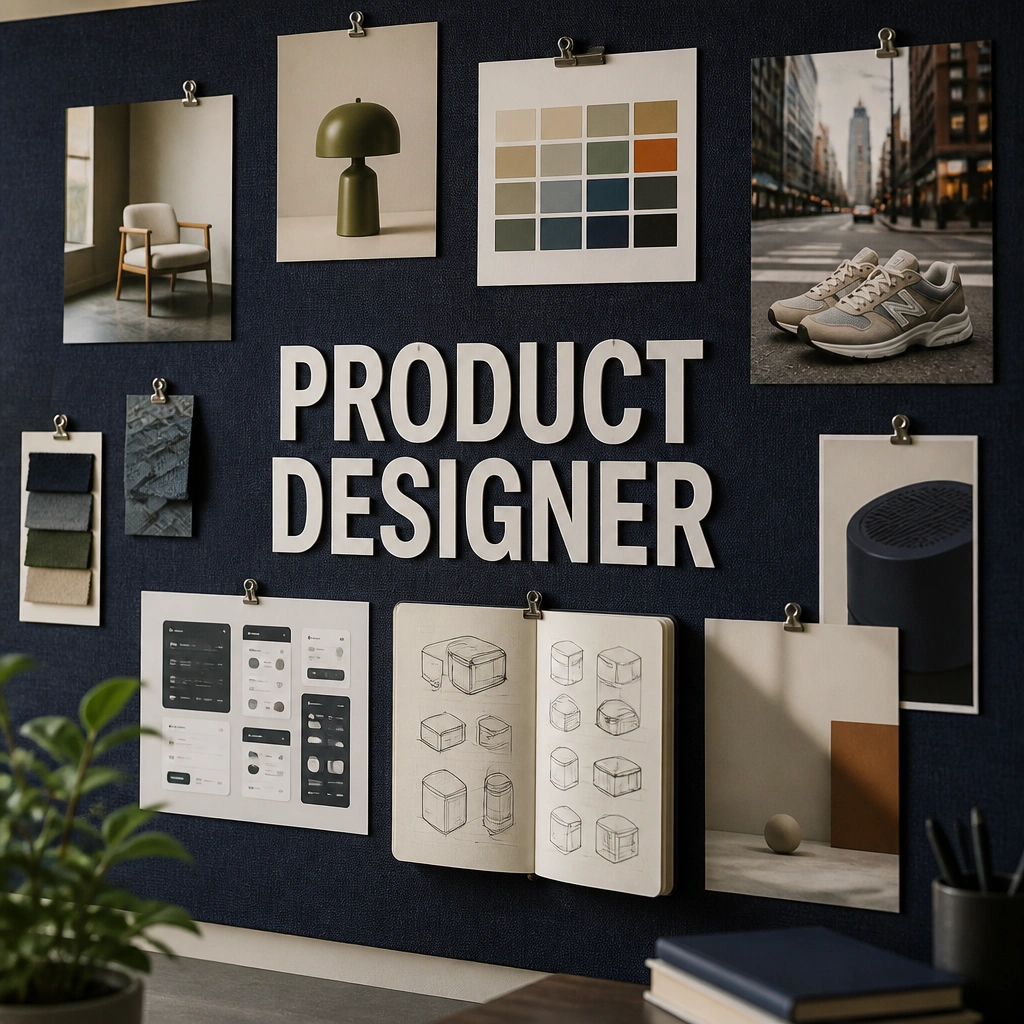
Editorial boards feel powerful because the main title acts like a visual anchor. Build the center like a front page: big job title, then 3 supporting images (work sample, tools, environment). Choose high-contrast colors (navy + white + one accent like coral) so it pops on camera and in your room.
Use one accent color only (like coral) to highlight “tools I will learn” so your board guides your next steps.
3. Cozy Career Cottage Board (Warm Neutrals + Linen)
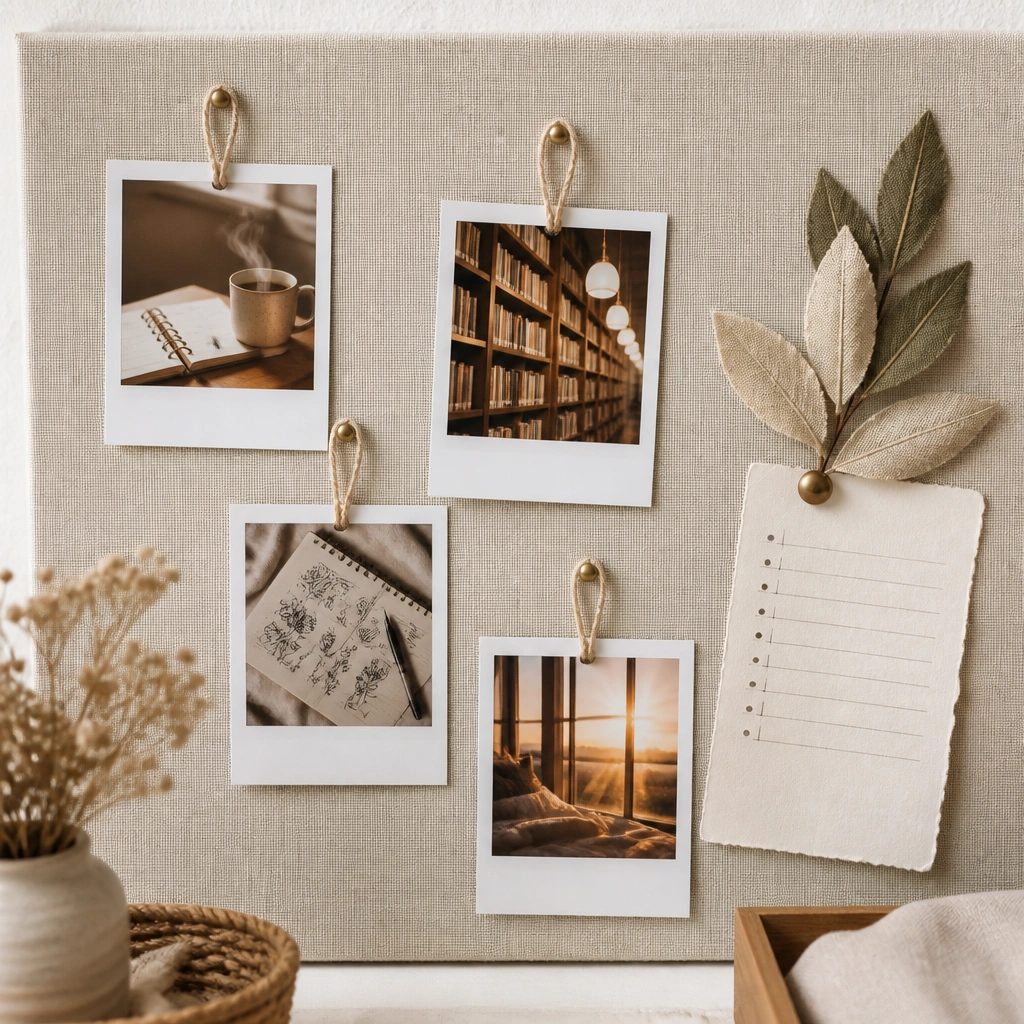
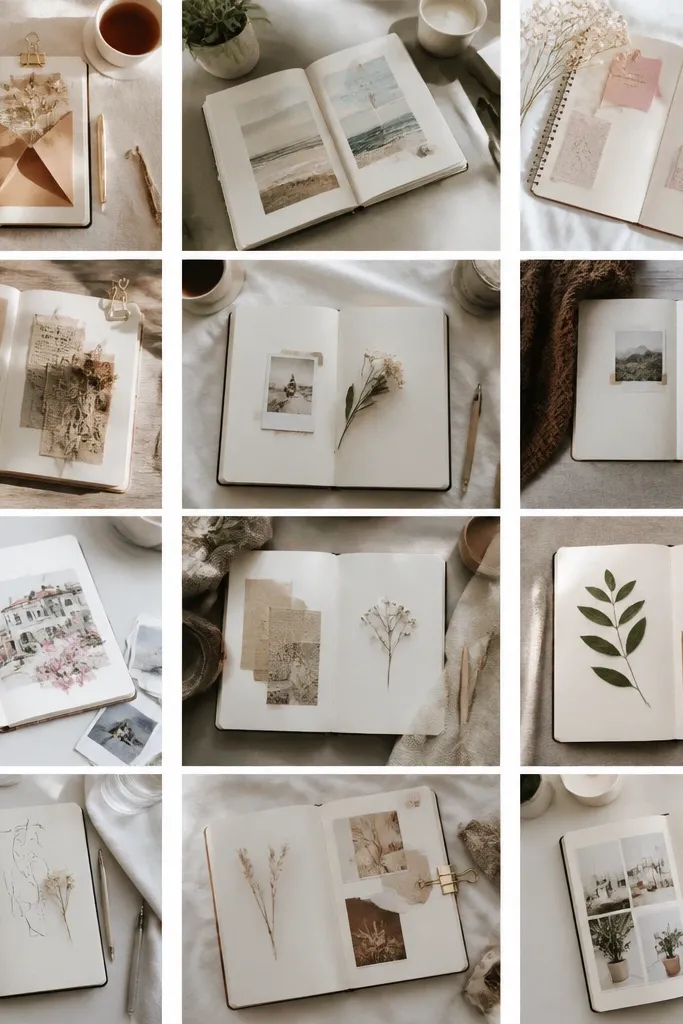
If you’re aiming for a creative or people-first career, cozy aesthetics reduce intimidation and make practice feel inviting. Linen + warm paper tones create a calm backdrop for images like learning sessions, mentorship, and writing. Include a “confidence” strip with small photos of things you want to be known for (public speaking, teaching, writing).
Good to knowAdd a mini “ritual” photo (journal, tea, or morning walk) to remind you how you’ll show up daily.
4. Vision Board Map: From Current City to Dream City
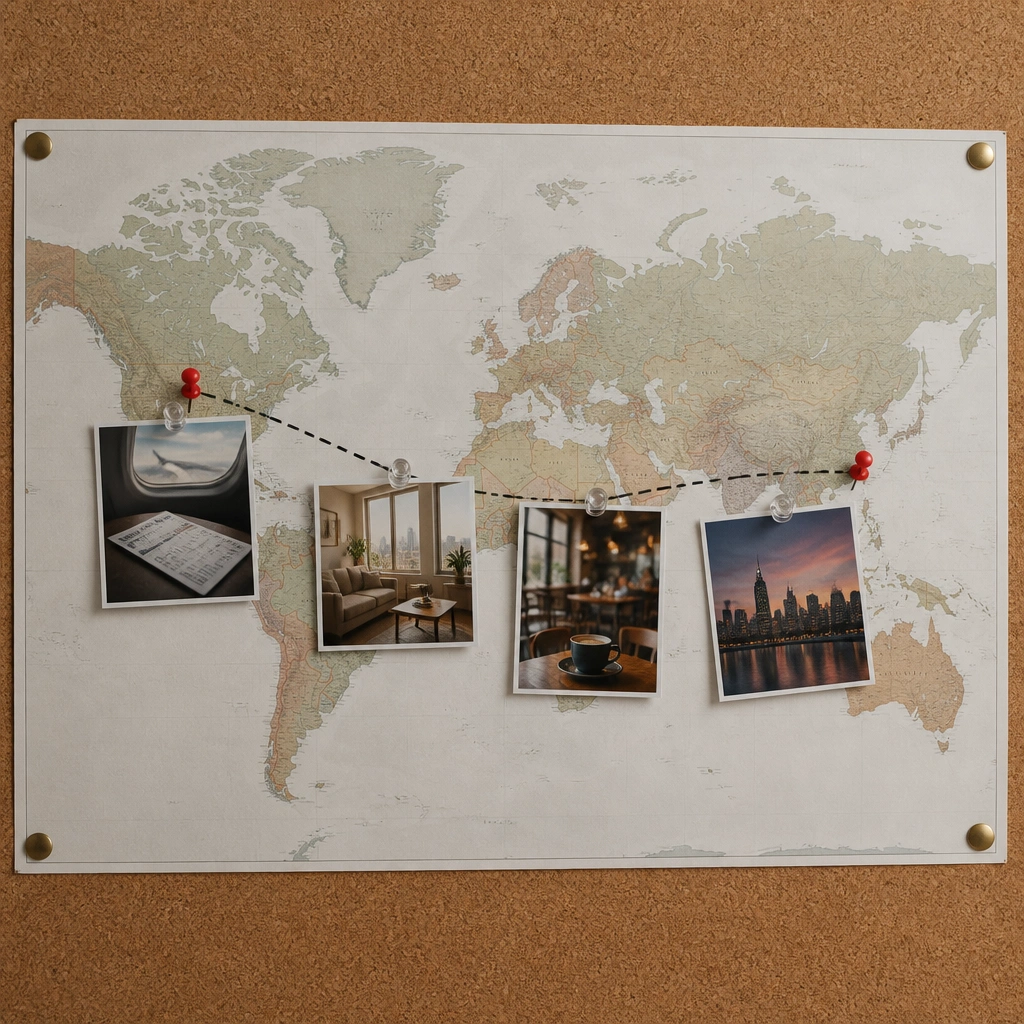
This layout is surprisingly motivating because it turns a vague relocation dream into a visible route. Print a simple map, add a dotted travel path, and place images that match your future routine (housing vibe, commute, local hangouts). It’s great for career changes tied to moving, networking, or remote work hubs.
Good to knowPut one “networking target” image near the dream city pin — like a conference badge or coworking space photo — and add a date you’ll reach out.
5. Skill Stack Board (Tools + Courses + Proof)
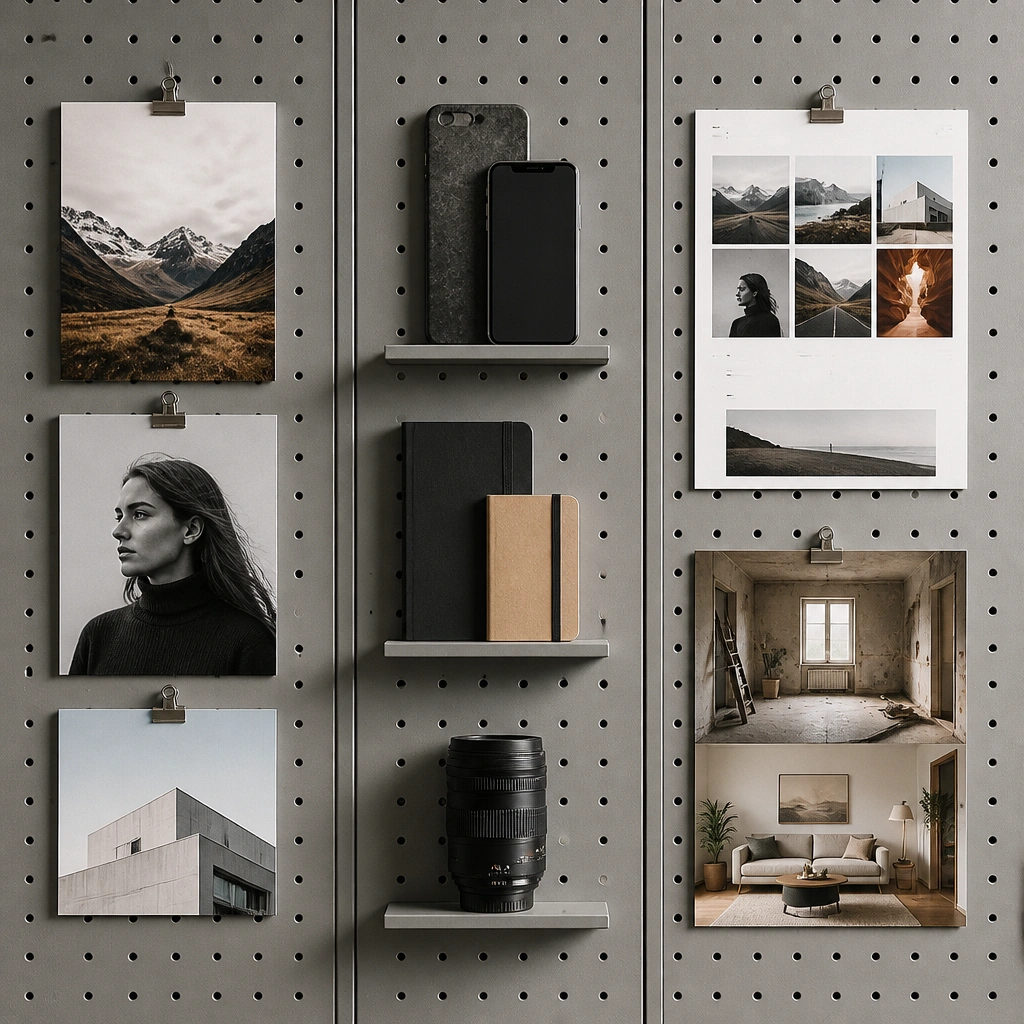
Skill stack boards work because they show the bridge between now and the job. Create three columns: learn, practice, and prove. Use actual screenshots of course pages or your own project progress (even if it’s small) so the board feels honest and achievable.
Add one “proof” card you can update weekly — print your newest draft and swap it in place.
6. Color Psychology Career Board (One Role, One Palette)
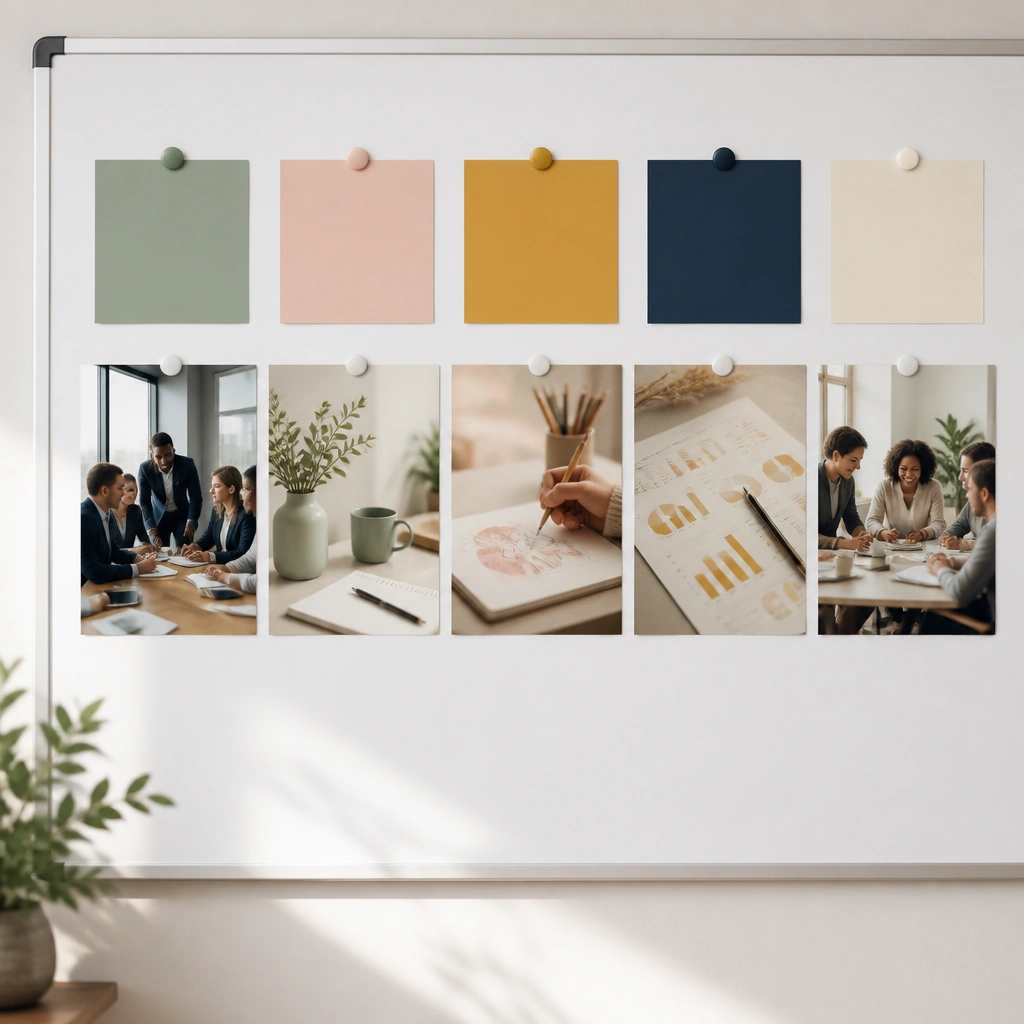
Color-coded boards help you remember the “vibe” your future workplace gives off. Choose a palette that matches your target role: calm and structured for operations, bright and energetic for marketing, deep and confident for leadership roles. Pair each color with one type of image so you can scan and self-correct when you drift.
Write a one-sentence intention under each swatch like “This week I practice calm planning” to connect color to action.
7. Instagram-Style Portfolio Wall (Your Work Takes Center Stage)
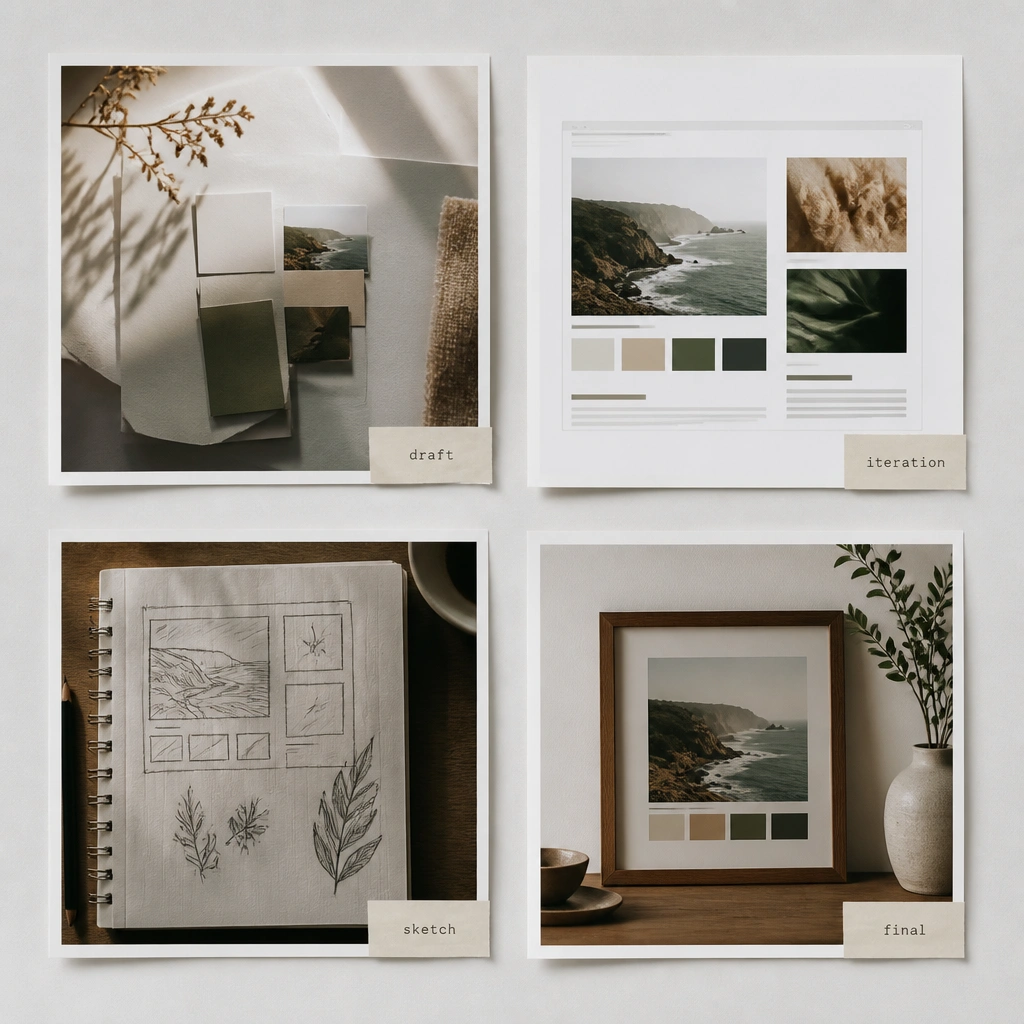
This board is perfect if your dream job is design, writing, content, or any portfolio-based field. The key is centering your progress, not just inspiration. Make your board look like an actual feed so it feels current, and your brain treats your work as publishable.
Good to knowUse small caption stickers to label what stage each project is in — it reduces pressure and boosts consistency.
8. “Next 30 Days” Pocket Folder Board
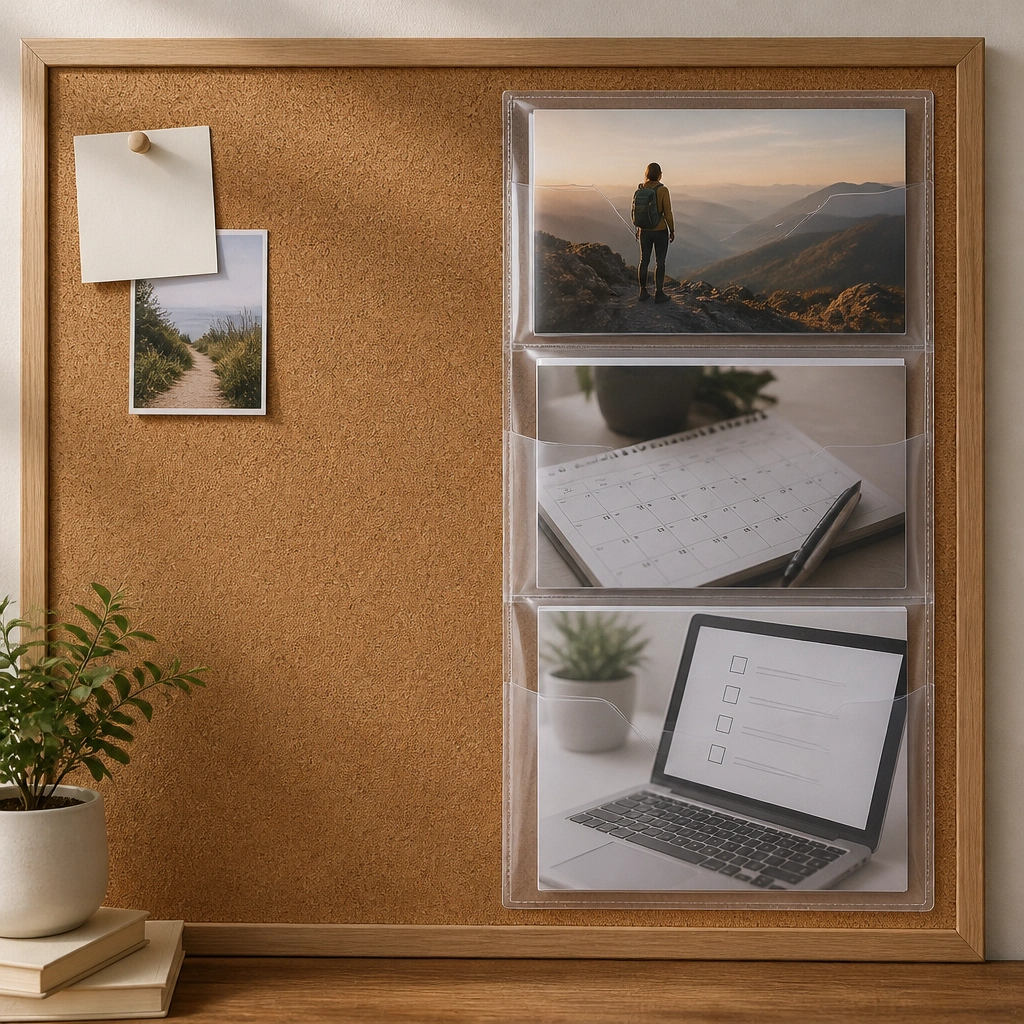
Aesthetics plus structure is the secret here — the pocket folder makes your dream job operational. Put your long-term career vision behind the pockets, then use the pockets for real tasks: apply for roles, complete one module, reach out to one person. When you see it daily, you stop waiting for motivation.
Good to knowPrint task cards on thick paper and laminate them so you can rewrite with a marker every Sunday.
9. Dream Job Workplace Diorama (3D Layers on Foam Board)
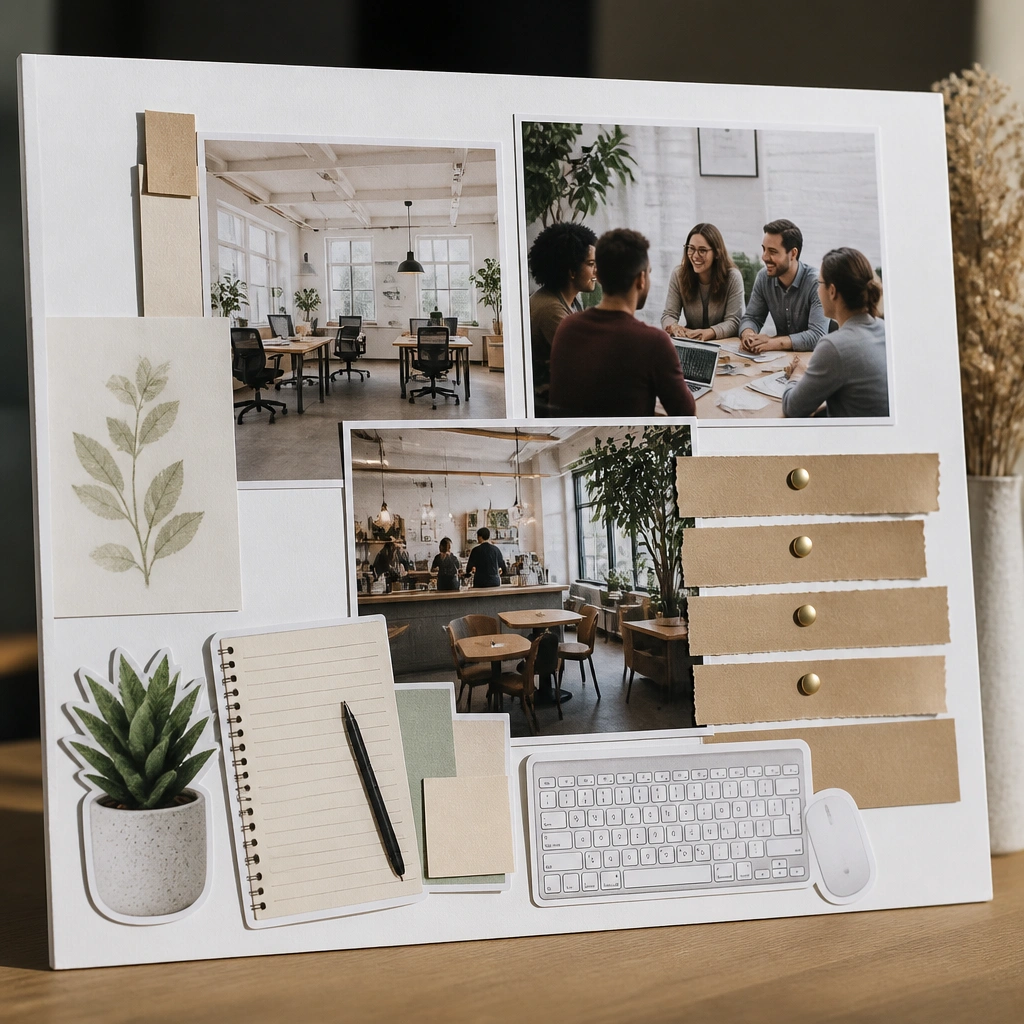
3D layers make your board feel like a mini set, which is extra motivating when you’re stuck. Build depth with foam board, glue sticks, and small objects like mini sticky note pads or printed desk props. Pair the workplace photo with one “values” strip so your vision includes culture, not just the job title.
Good to knowAdd one tiny object that represents your daily routine (like a planner or pen) so your brain connects vision to action.
10. Remote-Work Glow Board (Evening Light + Tech Icons)
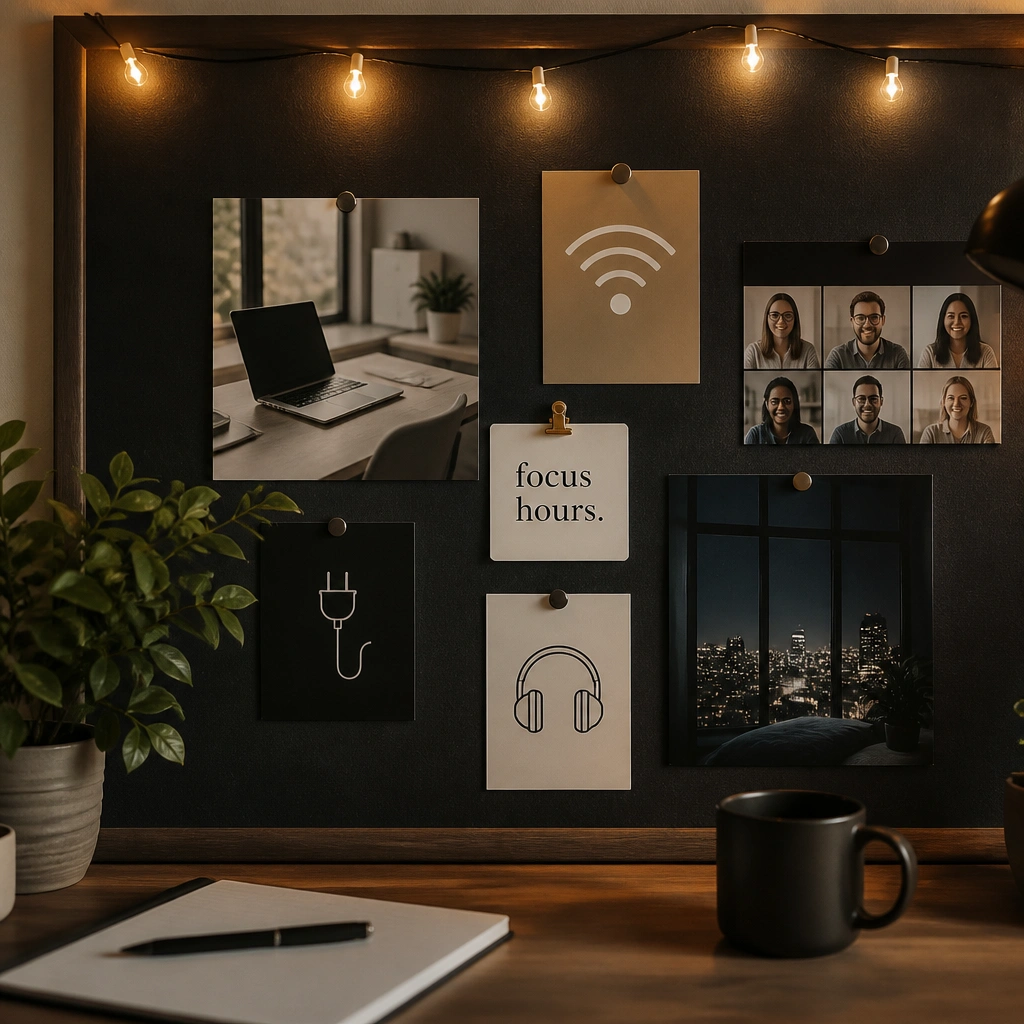
Remote-work boards feel magnetic because they match the reality of your schedule. Use dark backgrounds with warm light accents to create a “starting work” cue. Add icons for your tools (Notion, Google Drive, Zoom, calendar) so your board supports your workflow, not just your dreams.
Good to knowSet one timer cue near the board — even 25 minutes — and start your focus session right after you look at it.